Preservation
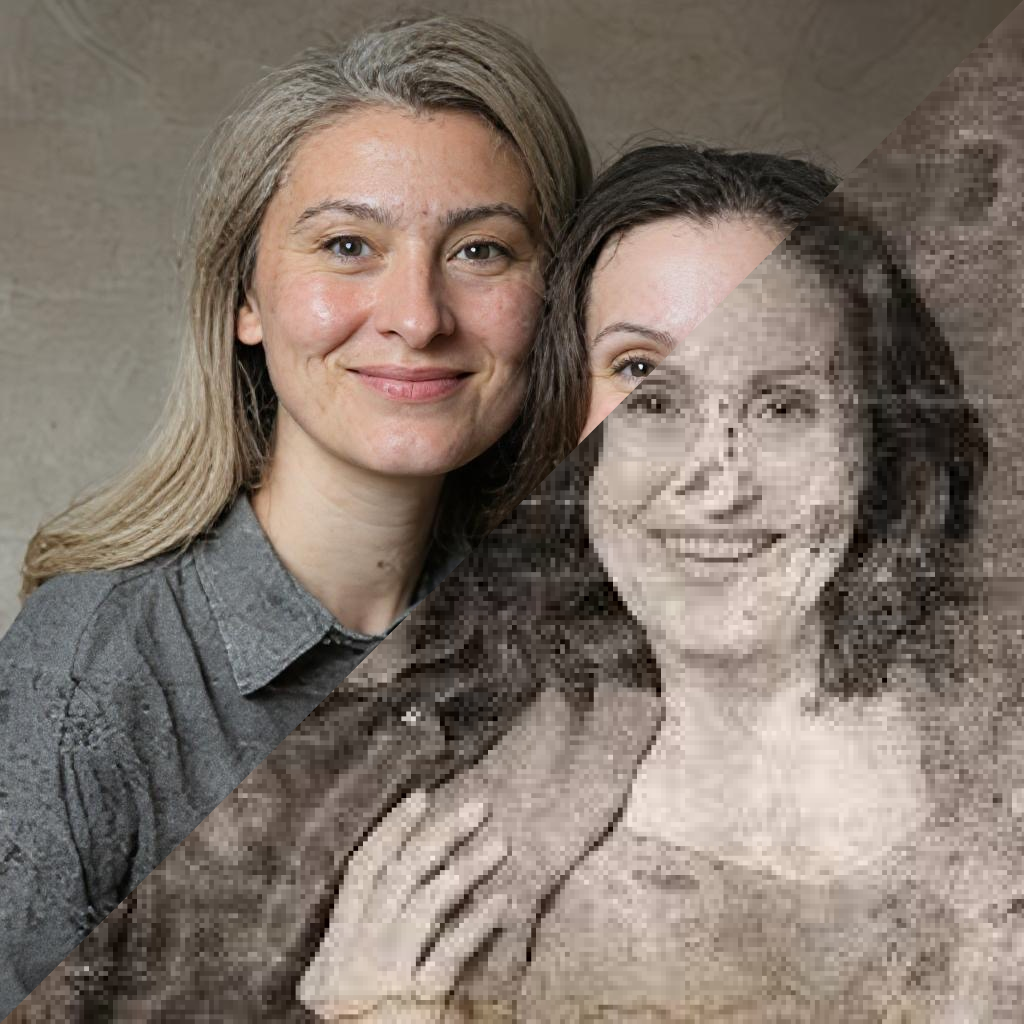
How to Make Blurry Images Clear and Sharp
Improve soft photos before saving, sharing, or printing them.
Improve soft photos before saving, sharing, or printing them. Restore Photos AI is built for people who want a direct workflow: choose a photo, review the restored result, and save a cleaner copy.
Start with the best source you have. A flatbed scan is ideal, but a steady phone capture in soft light can also work well when the original print is fragile.
Use restoration first when the image is damaged, then apply colorization or lighting improvements after the main repair. This keeps the final image cleaner and easier to compare.
Always keep the original file. Restoration is most useful when it creates a better copy without replacing the source memory.